How to Convert YouTube to MP3 Legally: What You Need to Know
Learn how to convert YouTube to MP3 legally, check copyright permissions, understand Creative Commons licences, and find authorised audio sources.
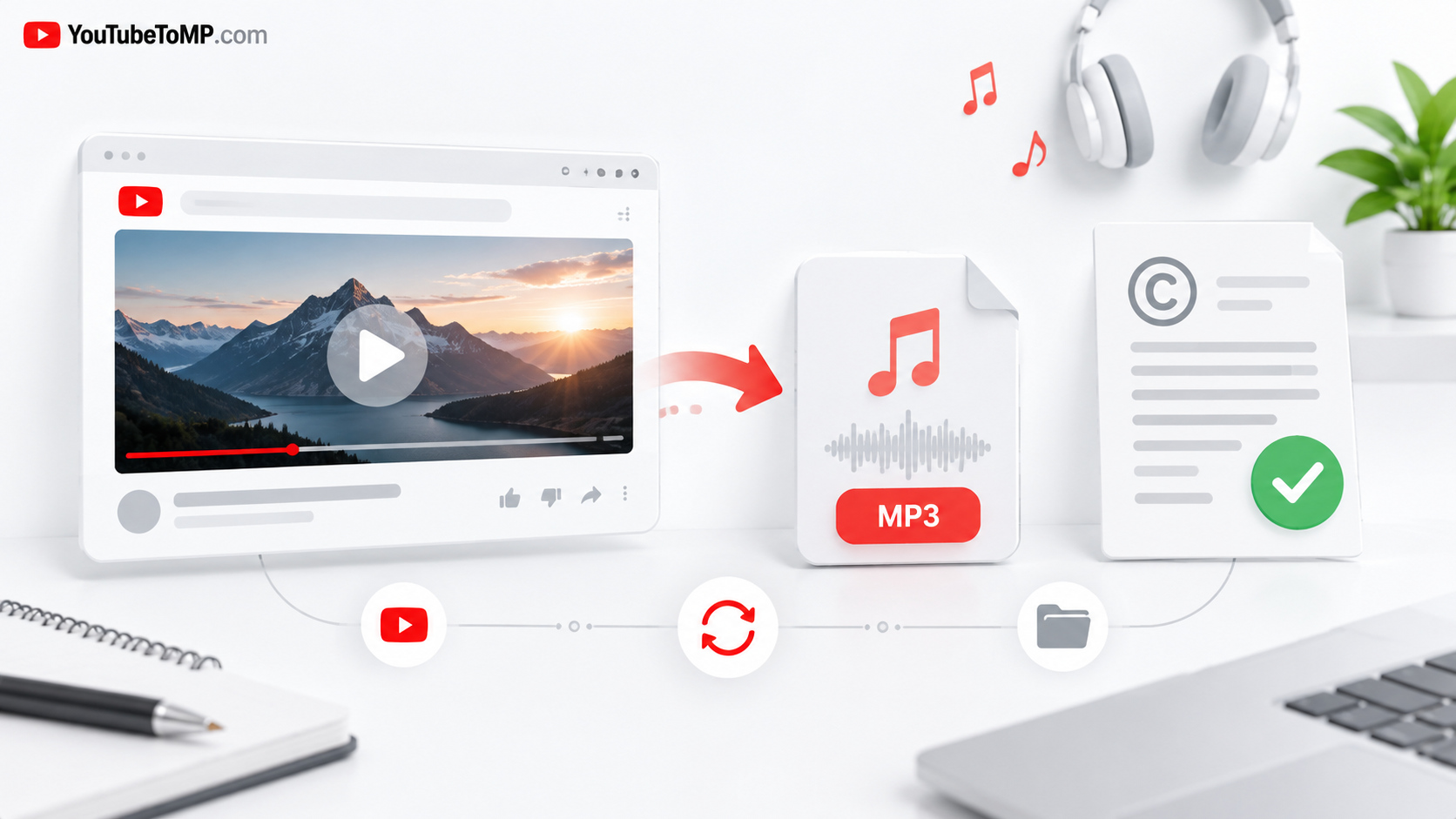
Converting a YouTube video into an MP3 file may seem simple, but it is important to understand the rules before saving audio. Not every video can be downloaded or converted freely. The answer depends on who owns the content, what permission is available, and which rules apply to the download.
If you want to save music, educational audio, interviews, or other content, there are ways to do so while respecting the rights of creators.
In this guide, we will explain when converting YouTube audio may be allowed, which options you can consider, and how to avoid common copyright mistakes.
Is It Legal to Convert YouTube to MP3?
There is no single answer for every video.
YouTube's Terms of Service generally restrict downloading or otherwise using content unless the service expressly permits it, you have the required permission, or applicable law allows it. Copyright rules can also vary between countries.
For example, converting your own video may be different from converting a commercial song uploaded by someone else. Having access to a video does not automatically give you permission to create and keep a separate audio copy.
Before converting a video, consider these questions:
- Do you own the video and its audio?
- Has the creator given you permission to download or convert it?
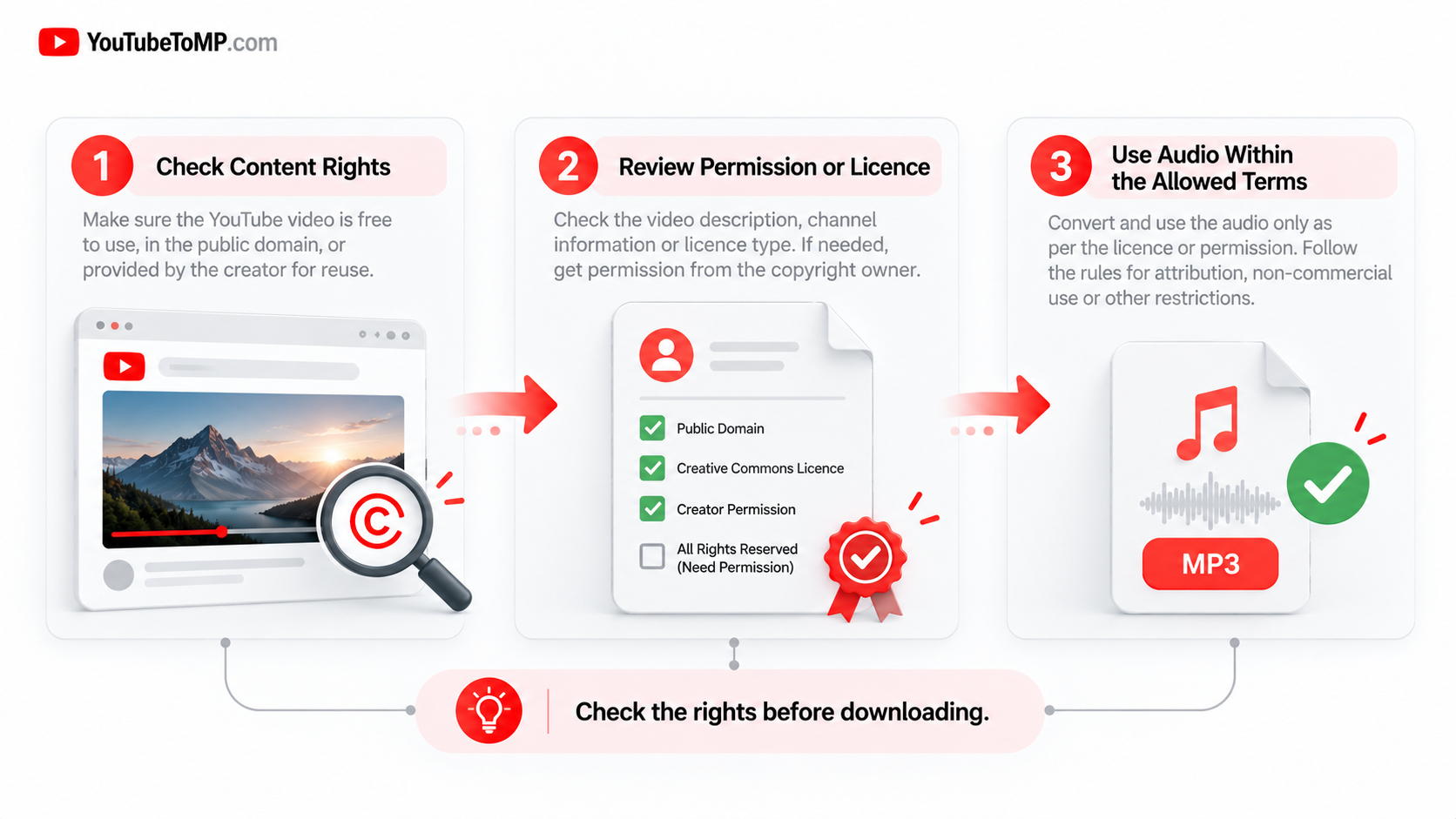
- Does the content have a licence that allows downloading and reuse?
- Does an applicable copyright exception cover your intended use?
- Does the method comply with the platform's terms?
If you cannot confirm that your intended use is allowed, check the available licence information or ask the rights holder first.
1. Convert Your Own YouTube Videos
One of the clearest situations is when you own the video and have the necessary rights to its audio.
For example, you might have uploaded your own tutorial, recorded a lecture, or created a video containing your original music.
YouTube provides options for downloading videos that you have uploaded through YouTube Studio. You can also explore Google Takeout to obtain copies of your uploaded videos.
However, remember that owning the video does not always mean you own every part of it. If it contains licensed background music, third-party recordings, or other protected material, those rights may still apply.
Useful resource: Download your own YouTube videos.
2. Check the Creator's Permission
If someone else owns the video, ask whether they allow you to download or convert its audio.
Written permission can help clarify what you are allowed to do. For example, a creator may allow you to save an audio recording for personal use but not to publish it elsewhere or use it commercially.
When requesting permission, ask about:
- Whether you can download or convert the audio.
- Whether you can keep a copy on your device.
- Whether you can edit or reuse the recording.
- Whether commercial use is allowed.
- Whether you must credit the creator.
Keep a record of the permission and any conditions attached to it.
3. Look for Creative Commons and Public-Domain Content
Some creators publish content under licences that allow certain forms of reuse. Other works may be in the public domain.
However, a Creative Commons label does not mean every use is automatically allowed. Different licences have different conditions.
Depending on the licence, you may need to credit the creator, avoid commercial use, or share adaptations under the same terms. You should also confirm that the person who uploaded the content had the rights to offer it under that licence.
Public-domain rules also vary by country. Do not assume that a video is free to download simply because it is old or available online.
Read the licence carefully and check whether it permits the specific download and use you have in mind.
4. Use Official Audio Sources When Possible
If your main goal is to obtain music or other audio, an official source may be a better option than converting a YouTube video.
You can consider:
- YouTube Audio Library: A source of music and sound effects for creators, subject to the applicable track licences and attribution requirements.
- Licensed music stores: Buy or download audio under terms that allow your intended use.
- Creator websites: Some musicians and podcasters provide downloadable files directly.
- Official artist releases: Look for an authorised download option from the artist or rights holder.
These options can make it easier to understand what you are allowed to do with the audio.
Keep in mind that an offline-listening feature does not necessarily give you a separate MP3 file. YouTube Premium downloads, for example, are intended for offline playback within YouTube's service rather than as unrestricted MP3 files.
5. Understand the Difference Between Watching and Downloading
Being able to watch or listen to a YouTube video does not automatically mean you can save a separate copy of its audio.
Streaming, downloading, converting, redistributing, and using a recording commercially can involve different permissions.
For example, you might be allowed to watch a music video on YouTube but not to convert the song into an MP3 and upload that file to another website.
Similarly, permission to download a recording does not necessarily include permission to sell it, share it publicly, or use it in a commercial project.
Always consider the specific use rather than assuming that one type of permission covers everything.
6. How YouTubeToMP Fits Into the Process
YouTubeToMP is a browser-based tool designed to help users process supported video URLs into available audio or video formats.
If you are considering using an online conversion tool, first make sure that you have the necessary rights to the content and that your intended use complies with applicable law and platform terms.
A conversion tool does not grant copyright permission, determine who owns a recording, or make an otherwise restricted download legal. Users should check those matters before processing content.
For content you own or are otherwise authorised to download, you can visit the YouTubeToMP website to learn more about the available tool features.
Copyright Rules You Should Never Ignore
Copyright protects many types of creative work, including music, sound recordings, films, and online videos.
Before downloading or converting audio, remember these important points:
- Do not assume everything online is free to copy. Public access does not automatically grant download rights.
- Check the licence. Follow any conditions attached to the content.
- Respect creator permissions. Permission may cover some uses but not others.
- Be careful with commercial use. Using audio in advertisements, monetised videos, or products may require additional rights.
- Check local law. Copyright exceptions and legal requirements vary between countries.
In the United States, some uses may qualify for fair use. Other countries have different exceptions, such as fair dealing. These are context-specific legal rules, not blanket permission to download any video.
For more information, read YouTube's official copyright guidance and YouTube's Terms of Service.
Frequently Asked Questions
Can I legally convert any YouTube video to MP3?
No. The legality depends on the content, your permission or other legal basis, the method used, and applicable platform terms. Not every YouTube video can be converted freely.
Is it legal to convert my own YouTube videos?
It may be allowed if you own the relevant rights and follow the applicable rules. Check whether your video includes third-party music or other material with separate restrictions.
Can I convert copyrighted music for personal use?
Personal use does not automatically make every download or conversion lawful. The answer depends on the relevant law, the content, the permission available, and the platform terms.
Does Creative Commons mean I can download anything?
No. Creative Commons licences have specific conditions, and not every licence permits every use. Check the exact licence and whether the uploader was authorised to apply it.
Does YouTube Premium provide MP3 files?
YouTube Premium offers offline viewing or listening through supported YouTube features. It does not generally provide unrestricted standalone MP3 files.
Does using a converter make a download legal?
No. A converter is a technical tool, not a copyright licence. You remain responsible for checking whether your intended download is permitted.
Where can I find audio that is allowed to be downloaded?
Start with the YouTube Audio Library, official artist websites, licensed music stores, or creators who provide downloads with clear permission and licence terms.
Final Thoughts
Converting YouTube to MP3 legally starts with understanding the content and your rights to use it. Your own recordings, authorised downloads, properly licensed works, and suitable public-domain material may offer options, but each situation needs to be considered on its own facts.
Before using any conversion tool, check the creator's permission, the content licence, applicable law, and the platform's terms. If the rules are unclear, choosing an official download source is the safer approach.
YouTubeToMP provides a browser-based way to process supported content, but the right to download or reuse that content must come from the relevant permission or legal basis—not from the tool itself.
This article provides general information, not legal advice. Copyright laws and platform terms may change, and the rules that apply depend on your location and circumstances.