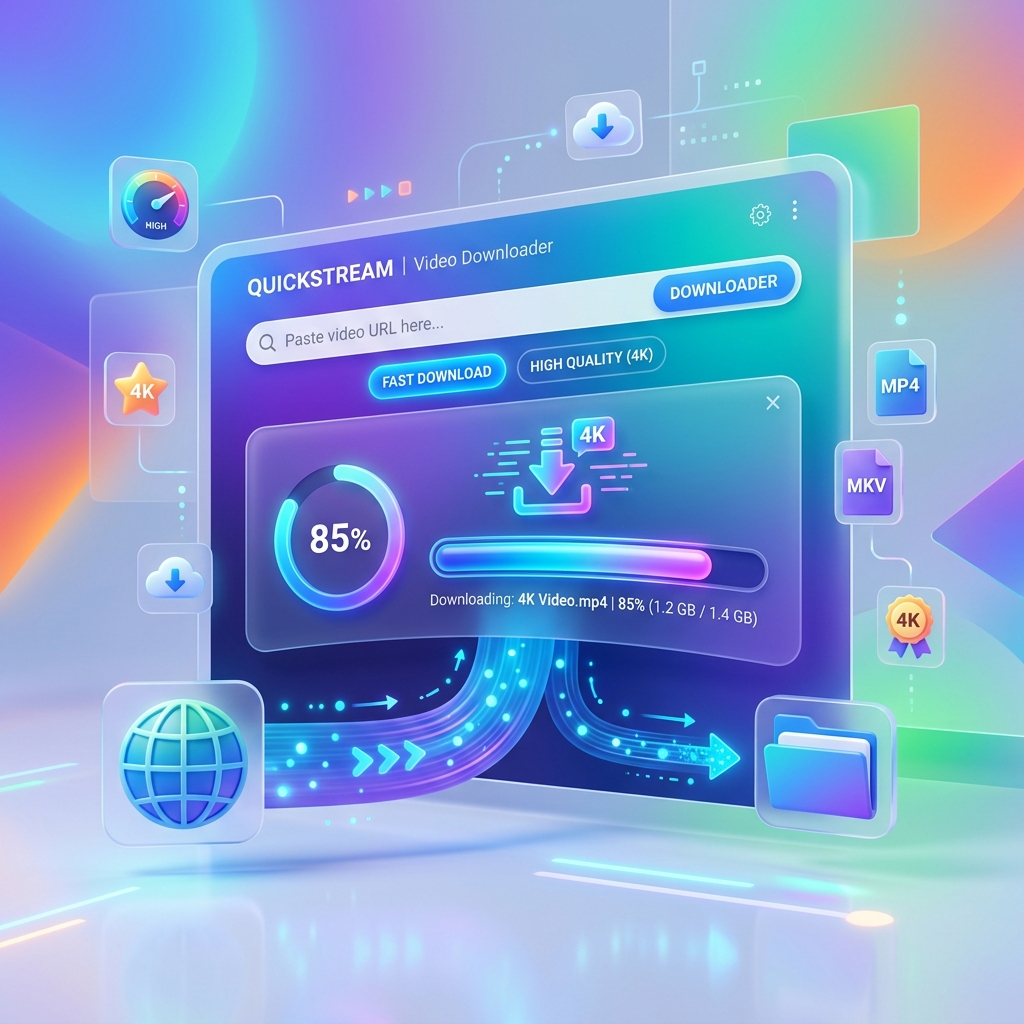
Free online YouTube downloader

YouTube Video Downloader

Download YouTube videos in high quality MP4 and MP3 formats easily.

Download YouTube videos safely. Terms - Privacy

Scanned by Cloudflare Security

Why it feels better

Seamless YouTube Downloads in HD

Paste any YouTube link and get MP4 or MP3 in seconds — from 360p up to 4K when available.

Fast convertHD qualityNo installMobile ready

Quick start

How to Download YouTube Videos

A clean, guided flow — copy, convert, download. No apps, no clutter.

  1. 1

    Copy the YouTube URL

    Open YouTube, copy the video share link from the address bar or Share menu.

  2. 2

    Paste into the converter

    Paste the YouTube link above and click Converter to load formats.

  3. 3

    Choose quality and download

    Pick MP4 or MP3 and your preferred resolution, then save the file.

Download YouTube videos online for free

YouTube

Download YouTube videos online for free

Our YouTube video downloader helps you save public YouTube videos to your device in MP4 or extract audio as MP3. Paste any public watch link, convert, and choose the quality that fits your phone or computer.

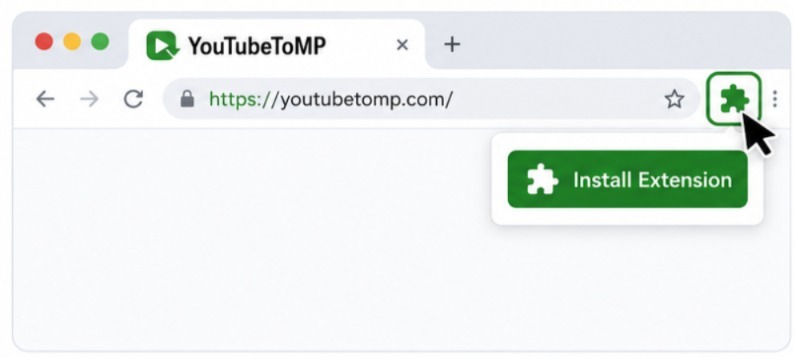
Unlike desktop apps, this tool runs entirely in the browser. There is nothing to install — open YoutubeToMP, paste the URL, and download when formats appear.

Use it for offline tutorials, reference clips you are allowed to keep, or converting your own public uploads for editing projects.

YouTube to MP4
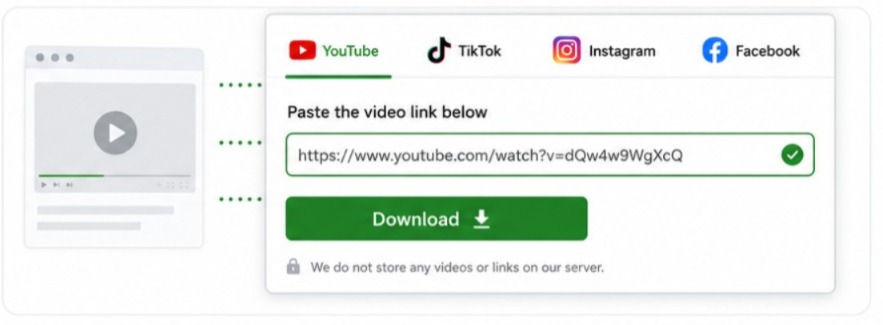
Choose HD, Full HD, or 4K when available

Quality

Choose HD, Full HD, or 4K when available

Resolution options depend on the original upload. After converting a link you will typically see SD, 720p, 1080p, and sometimes 4K streams.

Pick lower quality on mobile data to save space, or higher quality on Wi‑Fi when you need sharper playback for a large screen.

Combined video and audio MP4 streams are ideal for everyday playback. For audio-only needs, switch to an MP3 option or open YouTube to MP3.

Extract MP3 audio
A simple, browser-based YouTube downloader

Trust

A simple, browser-based YouTube downloader

YoutubeToMP is designed for clarity: paste a link, preview formats, then download. No extension store pages or unknown APK files.

It works on Chrome, Safari, Firefox, and Edge — desktop or mobile. Your file downloads through the browser’s normal download flow.

Only download content you own or have permission to save. Always follow copyright law and YouTube’s terms of service.

Built different

Why YouTube Video works better

Professional-grade tools for youtube video — fast, clean, and ready on any device.

Instant processing

Paste a link and formats appear in seconds — no queues, no waiting screens.

Clean files

Download without extra watermarks or forced branding on your media.

Any device

Phone, tablet, or desktop browser — same smooth experience everywhere.

Private by design

We don’t ask you to install apps or share your social login to save a file.

Quality first

Crystal-clear results for YouTube Video

From everyday 720p to cinema 4K when the source allows — you choose the clarity that fits.

  • HD and 4K options when available
  • Audio-only MP3 where supported
  • Stable streams sized for mobile and desktop
Crystal-clear results for YouTube Video

Pro tips

Get the most from YouTube Video

A few habits that make every download smoother.

Use the original share link

Copy from Share or the address bar for the cleanest URL.

Pick quality for your screen

Phone? 720p or 1080p is usually enough. 4K for big screens.

Stay on public links

Only public, accessible media can be fetched and downloaded.

Respect creators

Download content you own or have permission to keep offline.

Peace of mind

Safe, simple, and always ready

A modern download experience built around clarity — not clutter.

No software needed

Everything runs in your browser with a single paste.

Fast & reliable

Optimized routes so files start downloading quickly.

Clear choices

See format and quality before you commit to a download.

Compatibility

Download YouTube on Any Browser

Chrome, Firefox, Safari, and Edge — desktop or mobile.

Chrome
Firefox
Safari
Edge

Quality

YouTube in Any Resolution — SD to 4K

Pick the resolution that fits your device and storage.

SD

Light & fast

1080p

Everyday HD

4K

Cinema crisp

Support

YouTube Downloader FAQ

Yes, when the original upload offers 4K and the format list includes it.

Yes. Shorts links work here, or use our dedicated YouTube Shorts downloader.

Yes. Choose an audio format or open the YouTube to MP3 page for audio-only downloads.

Only download content you own or have permission to download. Respect YouTube’s terms and copyright laws.