YouTube Video to MP3: How to Convert Videos to MP3 Online
Sometimes you only need the audio from a YouTube video instead of the full video. For example, you might want to listen to a podcast, music, an interview, or a lecture while traveling, working, or exercising. Converting a YouTube video to MP3 lets you save only the audio, making it easier to listen offline without playing the video.
This guide explains what a YouTube video to MP3 converter is, how it works, what audio quality to choose, common conversion problems, and the features to look for in a reliable converter.
What Is a YouTube Video to MP3 Converter?
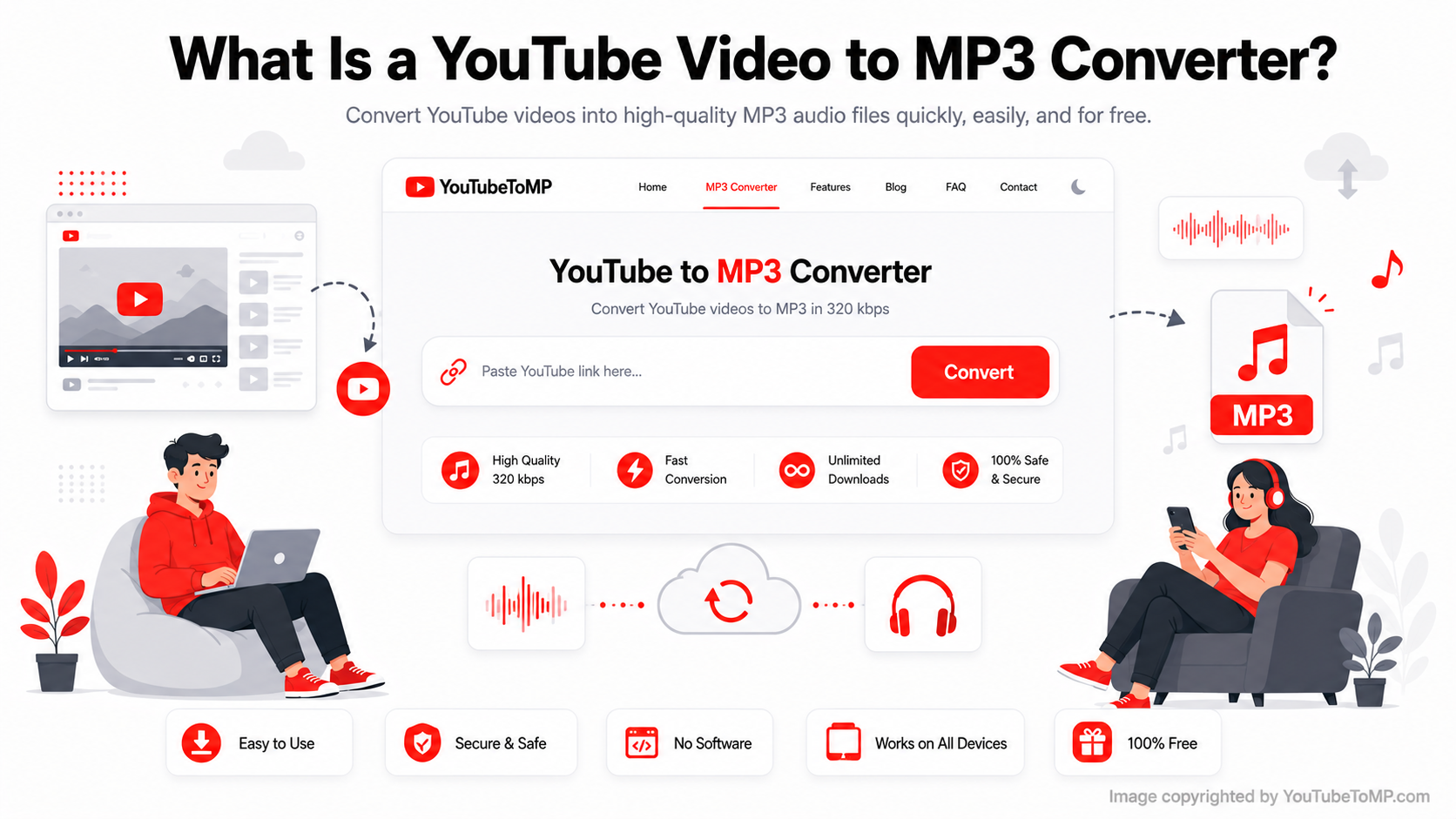
A YouTube video to MP3 converter is an online tool that extracts the audio from a YouTube video and saves it as an MP3 file. Instead of downloading the entire video, you download only the sound.
People commonly convert YouTube videos to MP3 for:
- Music playlists
- Podcasts
- Educational lectures
- Interviews
- Audiobooks
- Motivational speeches
Since MP3 files are smaller than video files, they take up less storage space and are easy to play on almost any device.
How Do I Convert a YouTube Video to MP3?
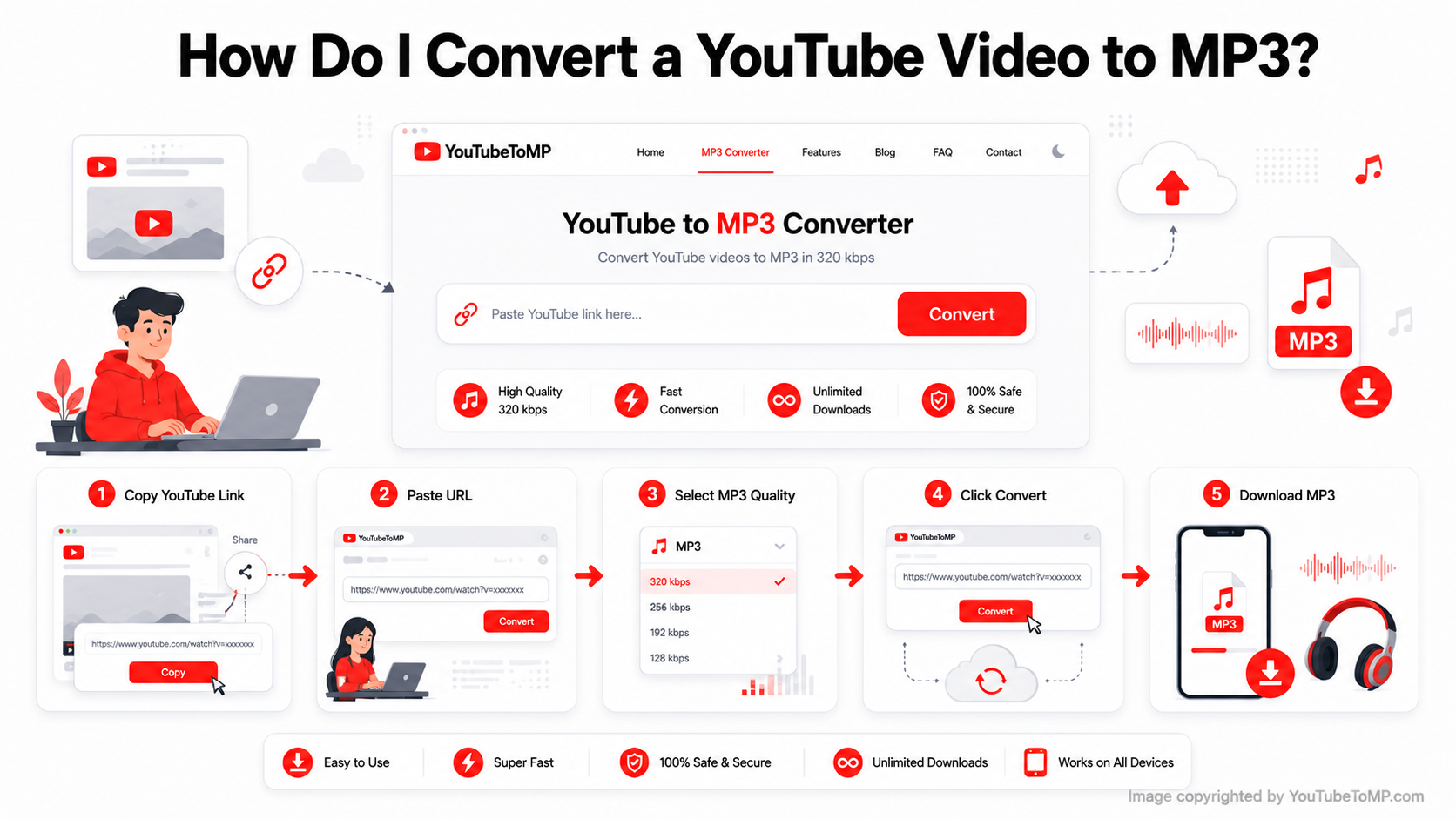
Most online converters follow the same process and only take a few steps.
Step 1: Copy the YouTube Video URL
Open the YouTube video you want and copy its link from your browser or the Share button.
Step 2: Paste the Link
Open a YouTube video to MP3 converter and paste the copied URL into the input box.
Step 3: Choose Your Audio Quality
Some converters let you choose the audio quality before converting. Select the option that best matches your needs.
Step 4: Convert the Video
Click the Convert button and wait while the converter processes the video.
Step 5: Download the MP3 File
Once the conversion is complete, download the MP3 file to your device and listen whenever you like.
Is It Free?
Many YouTube video to MP3 converters are free to use. You simply paste the video link, convert it, and download the audio without creating an account.
Some services also offer premium features such as faster processing, additional file formats, or higher download limits, but basic MP3 conversion is often available at no cost.
Do I Need to Install Software?
No. Many modern converters work directly in your web browser.
This means you don't have to install any programs or browser extensions. Simply open the website, paste the video link, convert the file, and download the MP3.
Browser-based converters also work across different operating systems, making them a convenient option for most users.
Can I Use It on My Phone?
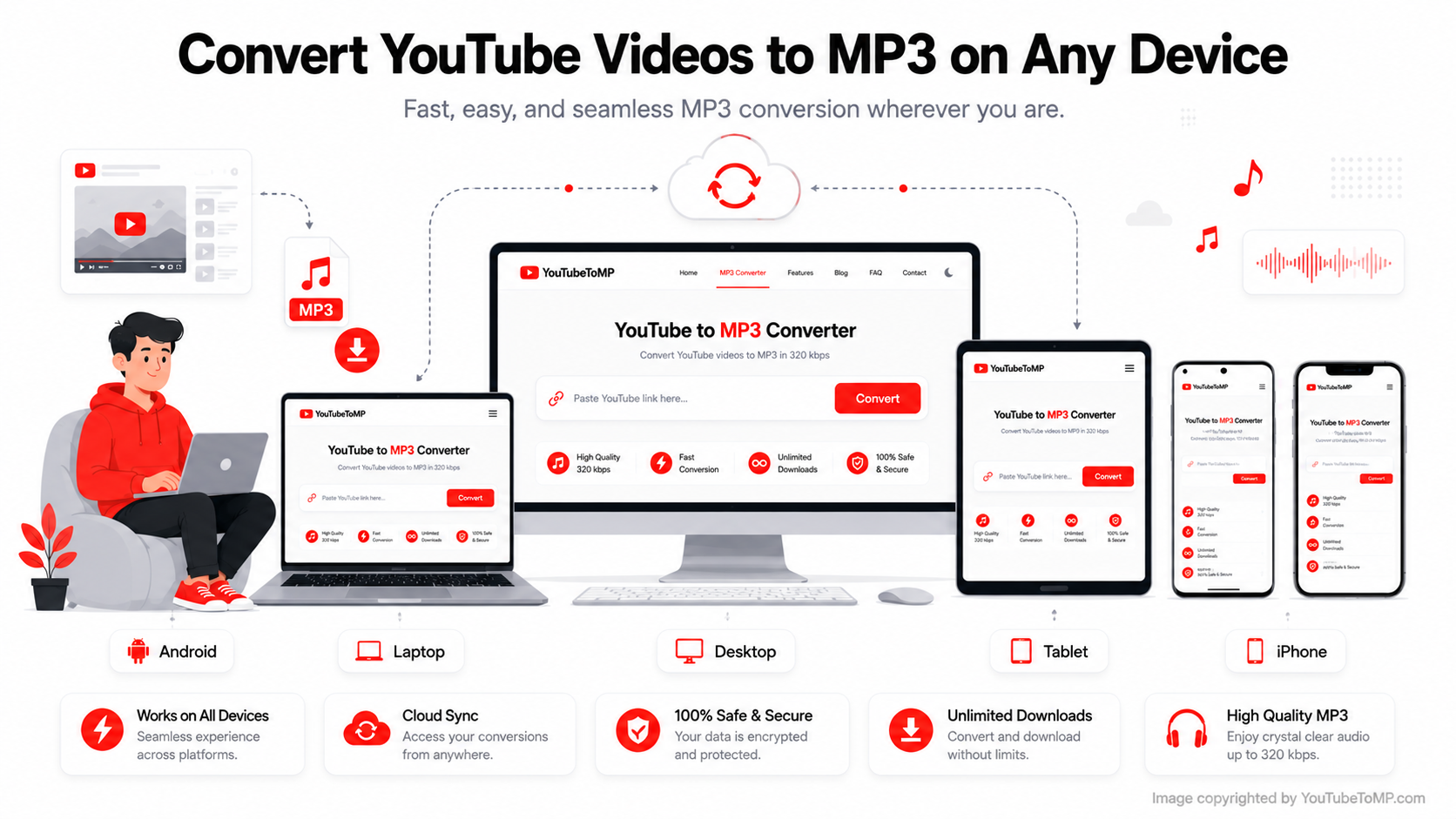
Yes. Most online YouTube video to MP3 converters work on mobile devices as well as desktop computers.
You can use them on:
- Android phones
- iPhones
- Tablets
- Windows PCs
- Mac computers
As long as your device has a web browser and an internet connection, you can convert and download MP3 files without installing additional software.
Which Audio Quality Should You Choose?
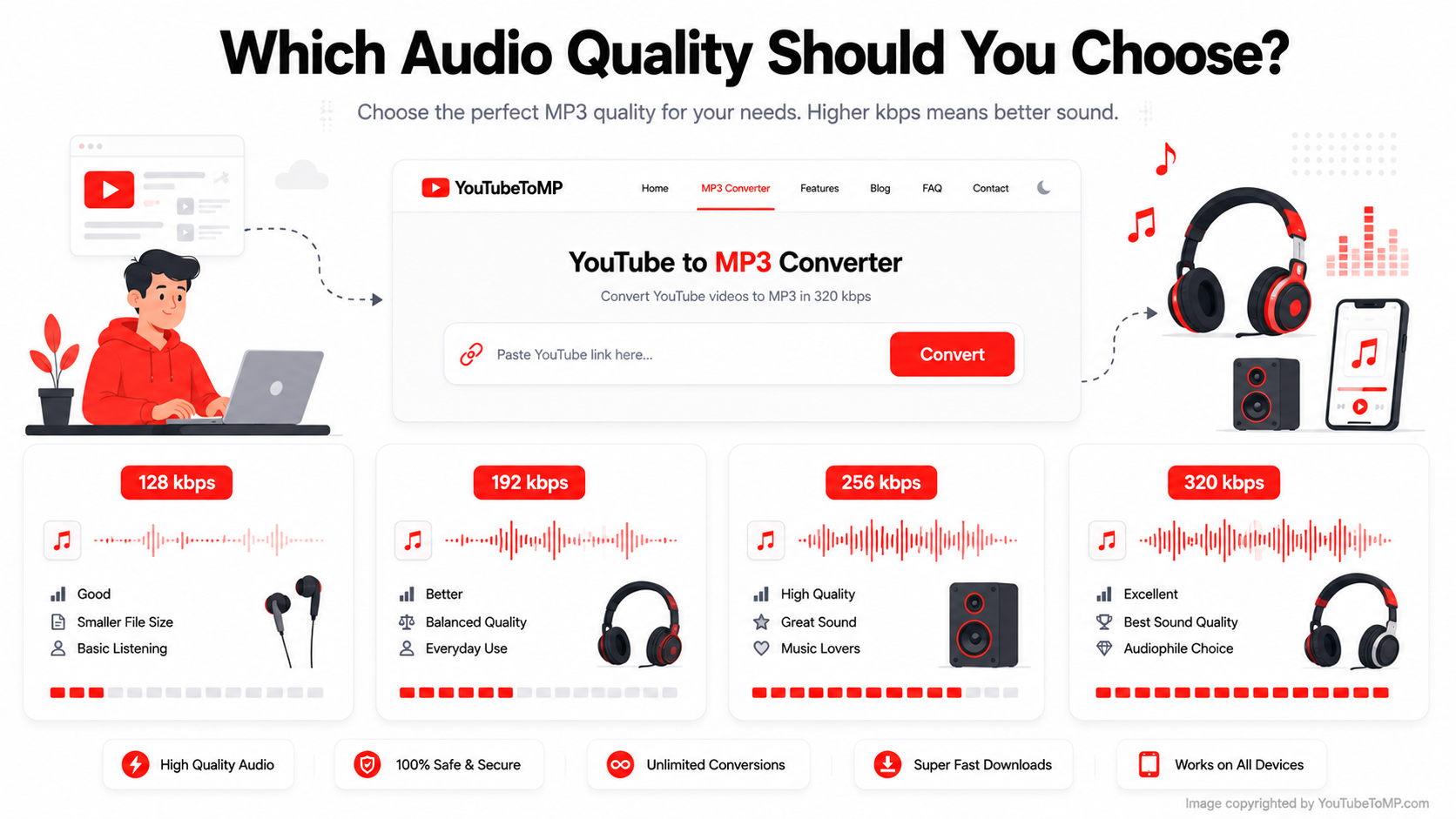
The right audio quality depends on how you plan to use the file.
| Audio Quality | Best For |
|---|---|
| 128 kbps | Everyday listening with smaller file sizes |
| 192 kbps | Better sound while keeping file sizes moderate |
| 256 kbps | Good balance between quality and storage |
| 320 kbps | Highest available MP3 quality for supported audio |
If the original YouTube video has good sound, choosing a higher bitrate can help preserve more of its quality. However, converting a low-quality source to 320 kbps will not improve the original audio.
Why My Conversion Doesn't Work?
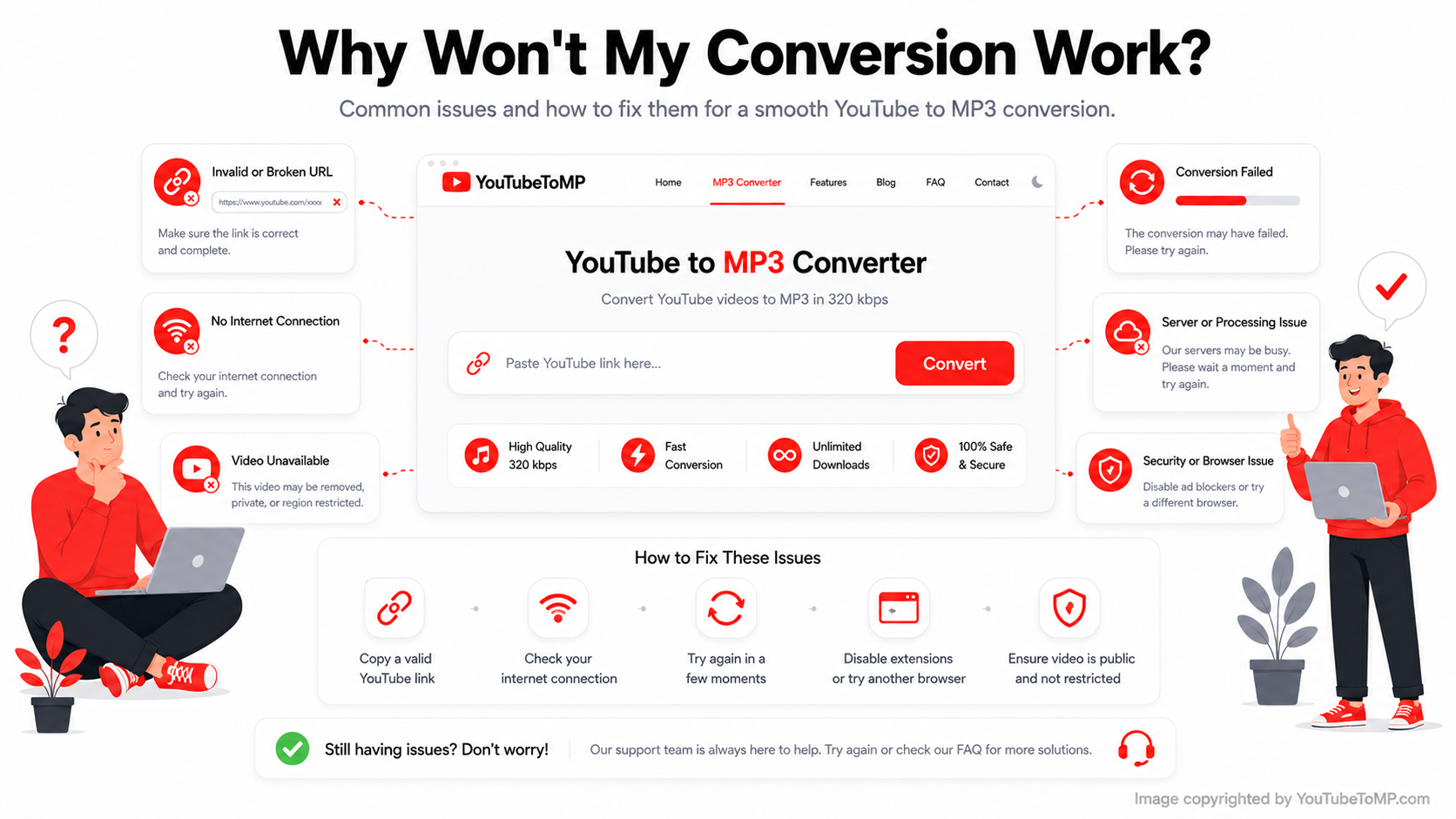
If a YouTube video doesn't convert, there are several possible reasons.
Common issues include:
- The YouTube link is incorrect.
- The video is unavailable or has been removed.
- Your internet connection is unstable.
- The converter is temporarily busy.
- Your browser cache needs to be cleared.
- Browser extensions are interfering with the website.
If the problem continues, refresh the page, check the video link, or try again after a few minutes.
Which YouTube Video to MP3 Converter Is Reliable?
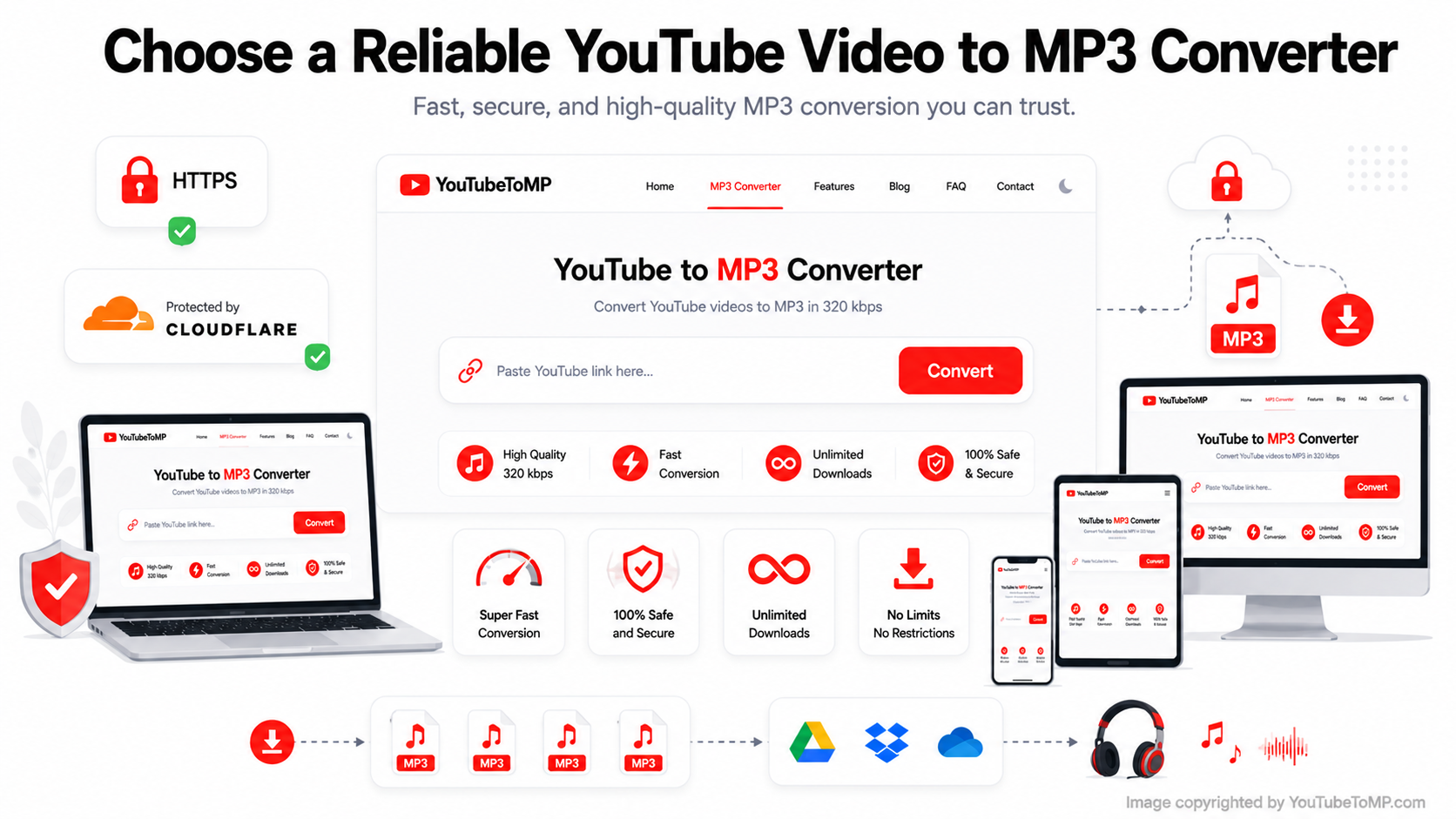
A reliable converter should be simple to use and work smoothly on different devices.
Look for features such as:
- Easy-to-use interface
- Browser-based conversion
- Mobile and desktop compatibility
- Fast processing
- Secure HTTPS connection
- No account required for basic use
- Multiple audio quality options
If you're looking for a straightforward option, YouTubeToMP lets you convert YouTube videos to MP3 directly from your browser. Simply paste your video link, choose your preferred audio quality if available, and download the MP3 in a few simple steps.
People also search for:
1. How do I convert a YouTube video to MP3?
Converting a YouTube video to MP3 is simple. Copy the YouTube video URL, paste it into a YouTube video to MP3 converter, choose your preferred audio quality if available, click Convert, and download the MP3 file once the conversion is complete.
2. Can I convert a YouTube video to MP3 online?
Yes. Many YouTube video to MP3 converters work directly in your web browser. You don't need to install software. Simply open the converter, paste the video link, convert it, and download the MP3 file.
3. Can I convert a YouTube video to MP3 on my phone?
Yes. Most browser-based converters work on Android phones, iPhones, and tablets. As long as your device has a web browser and an internet connection, you can convert YouTube videos to MP3 without installing an app.
4. Can I convert a YouTube video to MP3 on Windows or Mac?
Yes. Online converters work on Windows PCs, Mac computers, and laptops. The conversion steps are the same regardless of your operating system.
5. Which MP3 quality should I choose?
If the converter offers multiple quality options, choose the one that fits your needs. Lower bitrates create smaller files, while higher bitrates provide better sound quality. If the original video has high-quality audio, 320 kbps is usually the best choice for MP3 downloads.
6. Why won't my YouTube video convert to MP3?
There are several possible reasons. The video link may be incorrect, the video may no longer be available, your internet connection may be unstable, or the converter may be temporarily busy. Checking the video URL and refreshing the page often resolves the issue.
7. Is converting YouTube videos to MP3 legal?
The legality depends on factors such as the video's copyright status, how the content is used, and the laws in your country. Always respect copyright laws and YouTube's Terms of Service when converting or downloading content.
8. Can I convert YouTube videos to MP3 for free?
Many online converters allow you to convert YouTube videos to MP3 for free. Some services also offer paid features, but basic MP3 conversion is commonly available without creating an account.
Final Thoughts
A YouTube video to MP3 converter makes it easy to save audio from YouTube videos for offline listening. Whether you want music, podcasts, interviews, or educational content, choosing a reliable browser-based converter can make the process quick and simple. Before downloading, select the audio quality that fits your needs and make sure you're using a converter that is secure, easy to use, and compatible with your device.