YouTube to MP3 320 – Free High-Quality MP3 Converter
Sometimes you only need the audio from a YouTube video. Maybe you want to listning music while traveling, studying, exercising, or relaxing. A YouTube to MP3 converter can help you in this. It can help you in converting a YouTube video into an MP3 file with 320 kbps quality.
The 320 kbps bitrate is the highest standard quality for MP3 files, offering the best audio quality the MP3 format can provide.
This makes it a popular choice for music lovers, students, podcast listeners, and anyone who enjoys offline audio.
In this guide, you will learn what YouTube to MP3 320 means, why people choose 320 kbps audio, how converters work, how to pick a reliable converter, and tips for getting the best listening experience.
What Does YouTube to MP3 320 Mean?
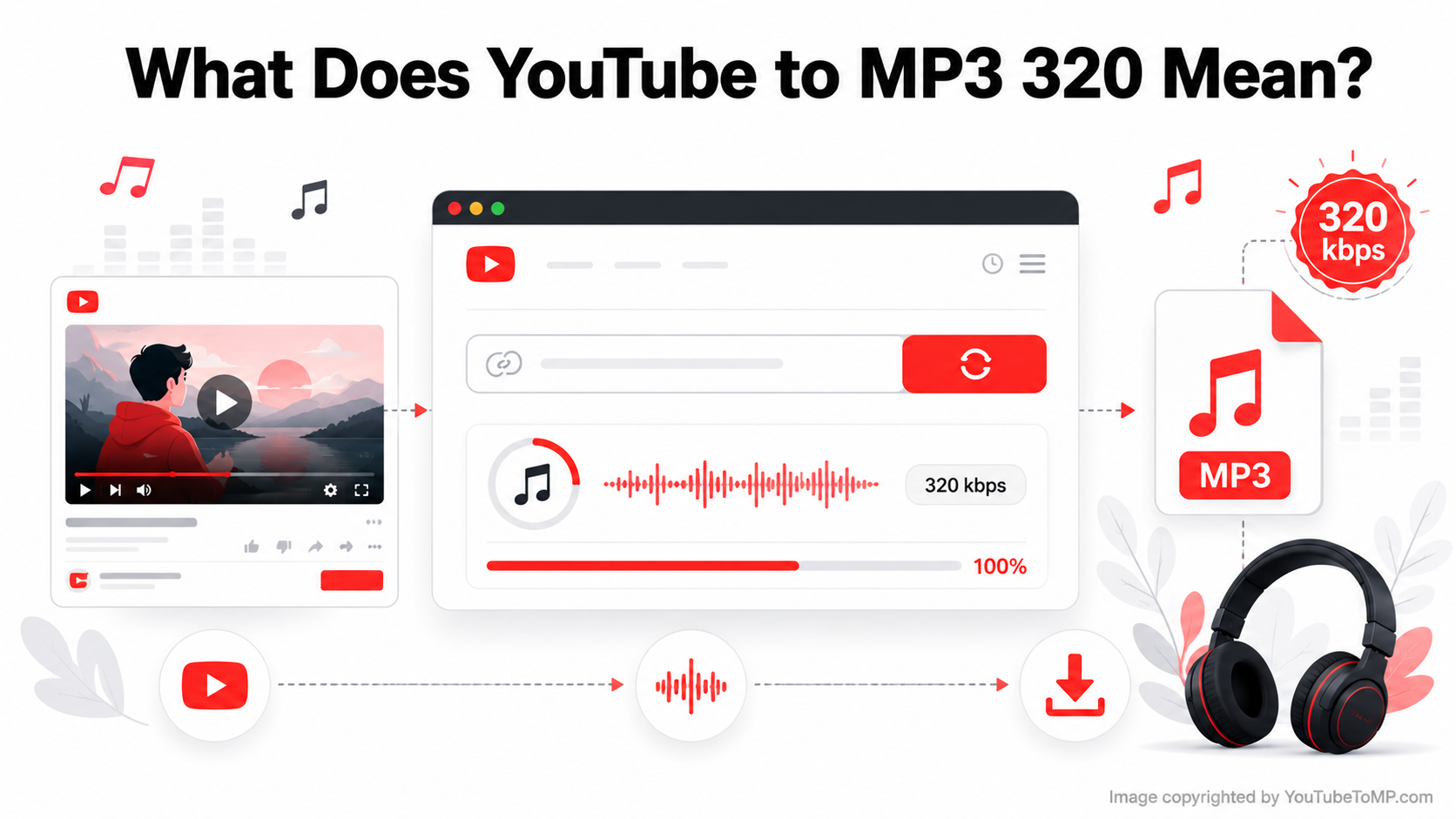
YouTube to MP3 320 refers to converting the audio from a publicly available YouTube video into an MP3 file with a 320 kbps bitrate. The term 320 kbps stands for 320 kilobits per second, which is one of the highest standard bitrates available for MP3 files. In general, a higher bitrate preserves more audio detail and can provide better sound quality.
However, it's important to understand that converting a YouTube video to 320 kbps does not automatically improve the original audio. The final quality depends on the source video. If the video's audio was uploaded at a lower quality, converting it to 320 kbps won't add details that weren't there in the first place.
Many people choose YouTube to MP3 320 for podcasts, interviews, lectures, educational videos, motivational speeches, and music because it offers excellent compatibility with smartphones, computers, tablets, car audio systems, and other MP3-supported devices. It allows users to enjoy audio offline without repeatedly streaming the same video.
How Does a YouTube to MP3 320 Converter Work?
A YouTube to MP3 converter changes video audio into an MP3 file.
The process is simple and usually takes less than one minute.
Step 1: Copy the YouTube Video Link
Open YouTube and find the video you want.
Copy its URL.
Step 2: Open the Converter
Visit a trusted online converter.
Step 3: Paste the Link
Paste the copied link into the converter's input box.
Step 4: Choose MP3 320
If multiple quality options are available, select 320 kbps.
Step 5: Click Convert
Press the Convert button.
The website will prepare your audio file.
Step 6: Download
Click Download and save the MP3 file to your device.
Why Choose 320 kbps MP3?
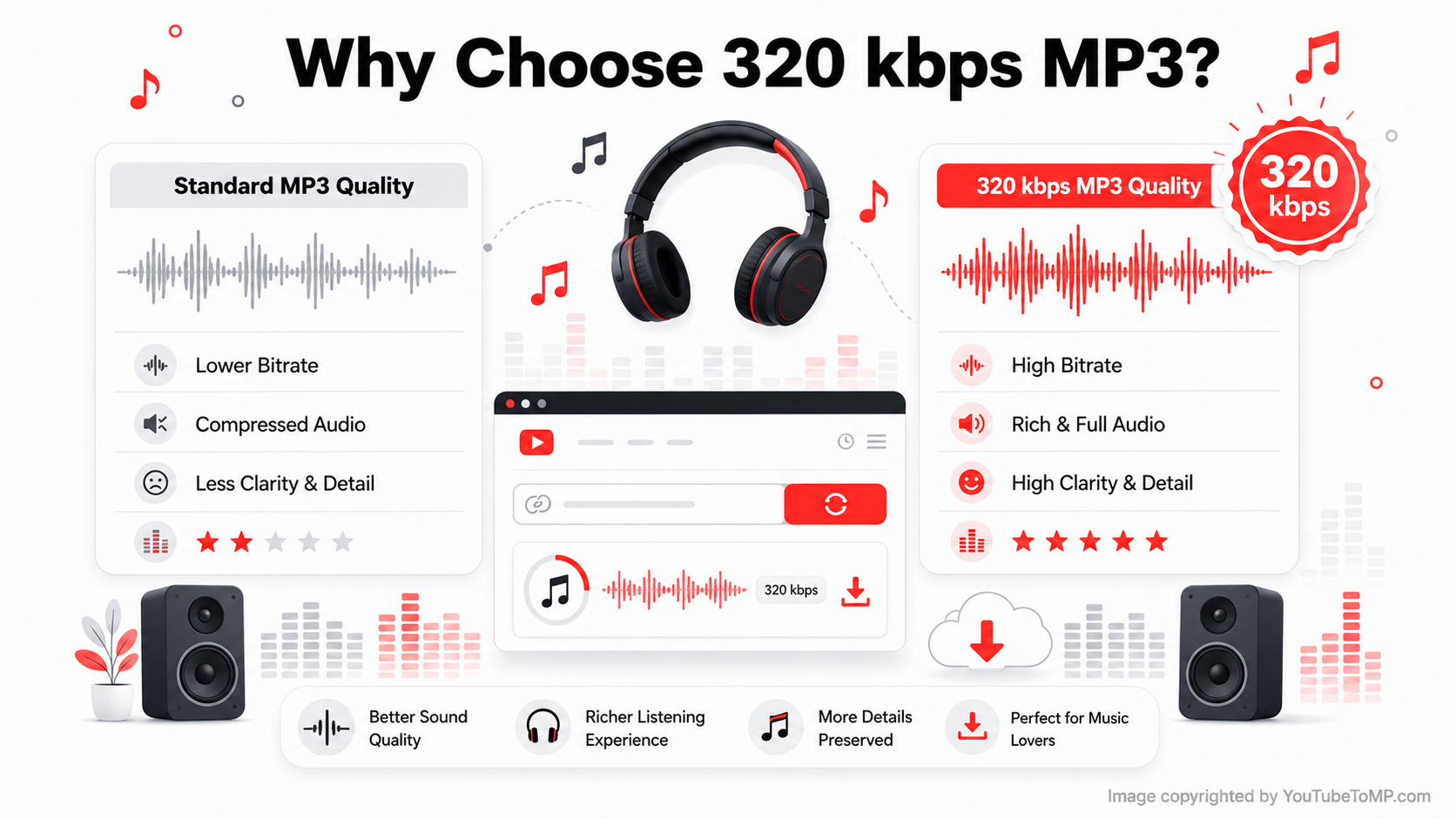
When converting YouTube videos into MP3 files, you may notice different bitrate options like 128 kbps, 192 kbps, 256 kbps, and 320 kbps.
Among these options, 320 kbps provides the best standard audio quality.
Although the file size is slightly larger, the difference in sound quality is worth it for many users. The music becomes more detailed, vocals sound clearer, and instruments are easier to hear.
Let's look at the biggest benefits.
Better Sound Quality
The main reason people choose 320 kbps MP3 is the improved sound quality.
Lower bitrate files remove more audio information to reduce file size. This can make songs sound flat or less detailed.
A 320 kbps MP3 is a high-quality audio format. If the original YouTube video has good sound, choosing 320 kbps can help keep the audio as close to the original as possible.
If you use headphones, Bluetooth speakers, or a car sound system, you will likely notice the difference.
Excellent for Music Lovers
Music fans want the best listening experience possible.
Whether you enjoy pop, rock, classical music, hip-hop, or instrumental tracks, higher-quality audio helps you hear every detail.
Drums sound stronger.
Vocals become cleaner.
Background instruments are easier to notice.
This creates a more enjoyable listening experience.
Great for Podcasts and Audiobooks
Not every YouTube video is about music.
Many people also listen to:
- Podcasts
- Audiobooks
- Educational lectures
- Business talks
- Motivational speeches
Clear audio makes spoken words easier to understand, especially when using headphones.
Works on Almost Every Device
MP3 files can be played on almost every smartphone, computer, tablet, smart TV, and car audio system without needing special software.
Almost every device supports MP3 playback.
These include:
- Android smartphones
- iPhones
- Windows laptops
- Mac computers
- Tablets
- Smart TVs
- Bluetooth speakers
- Car entertainment systems
- MP3 players
Because MP3 is supported almost everywhere, you don't need to install extra software.
Simply download the file and start listening.
Easy to Store
Some people think high-quality audio files require too much storage.
MP3 files save storage space because they are much smaller than uncompressed audio formats.
For example, if your phone has 128 GB of storage, you can build a large offline music collection without worrying about running out of space.
Perfect for Offline Listening
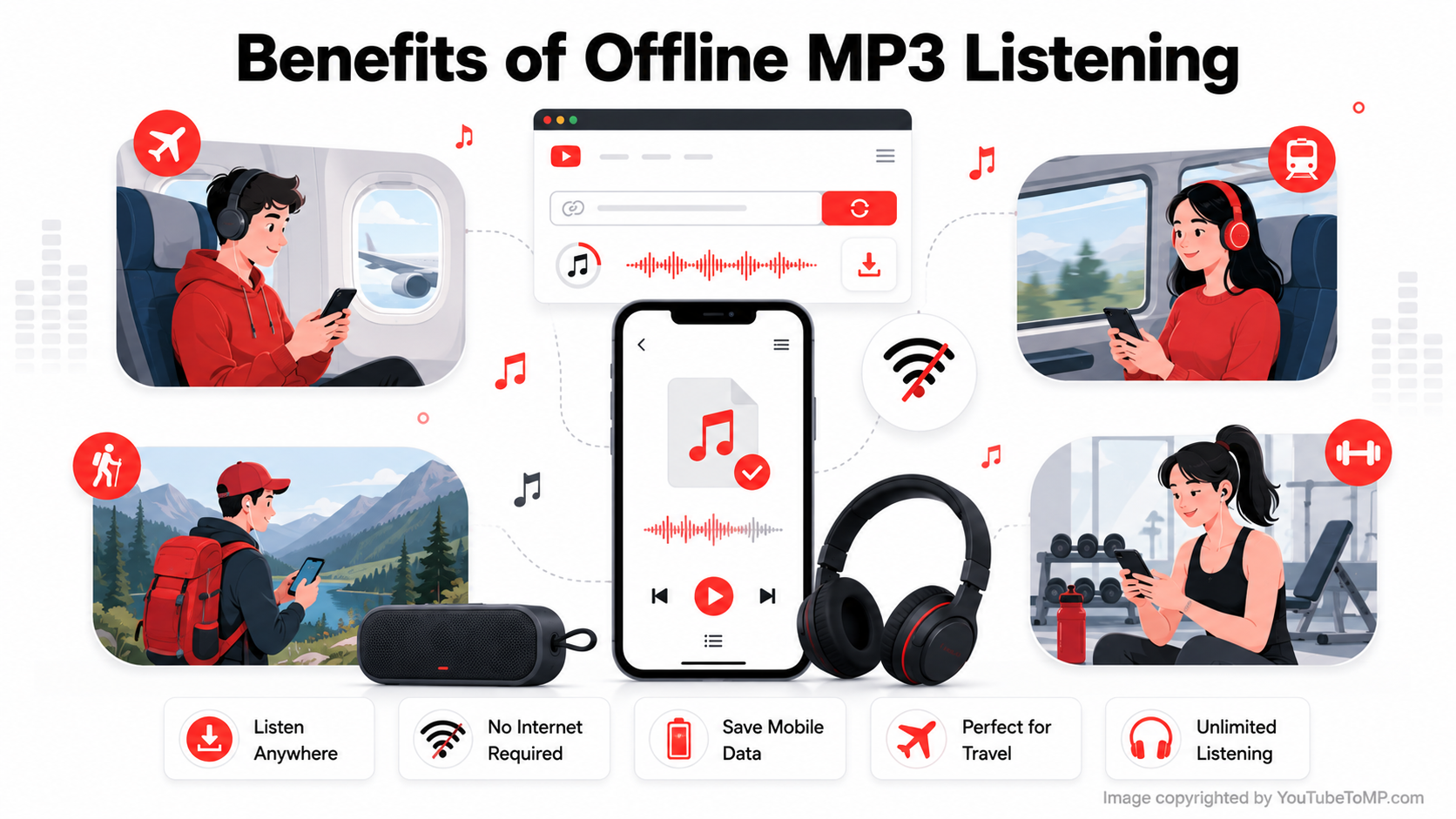
Offline listening is another major advantage.
After downloading your MP3 file, you no longer need Wi-Fi or mobile data.
This is useful when:
- Traveling
- Flying on an airplane
- Working out
- Driving
- Studying
- Walking outdoors
Offline playback also saves mobile data and avoids buffering.
How to Pick a Good Converter
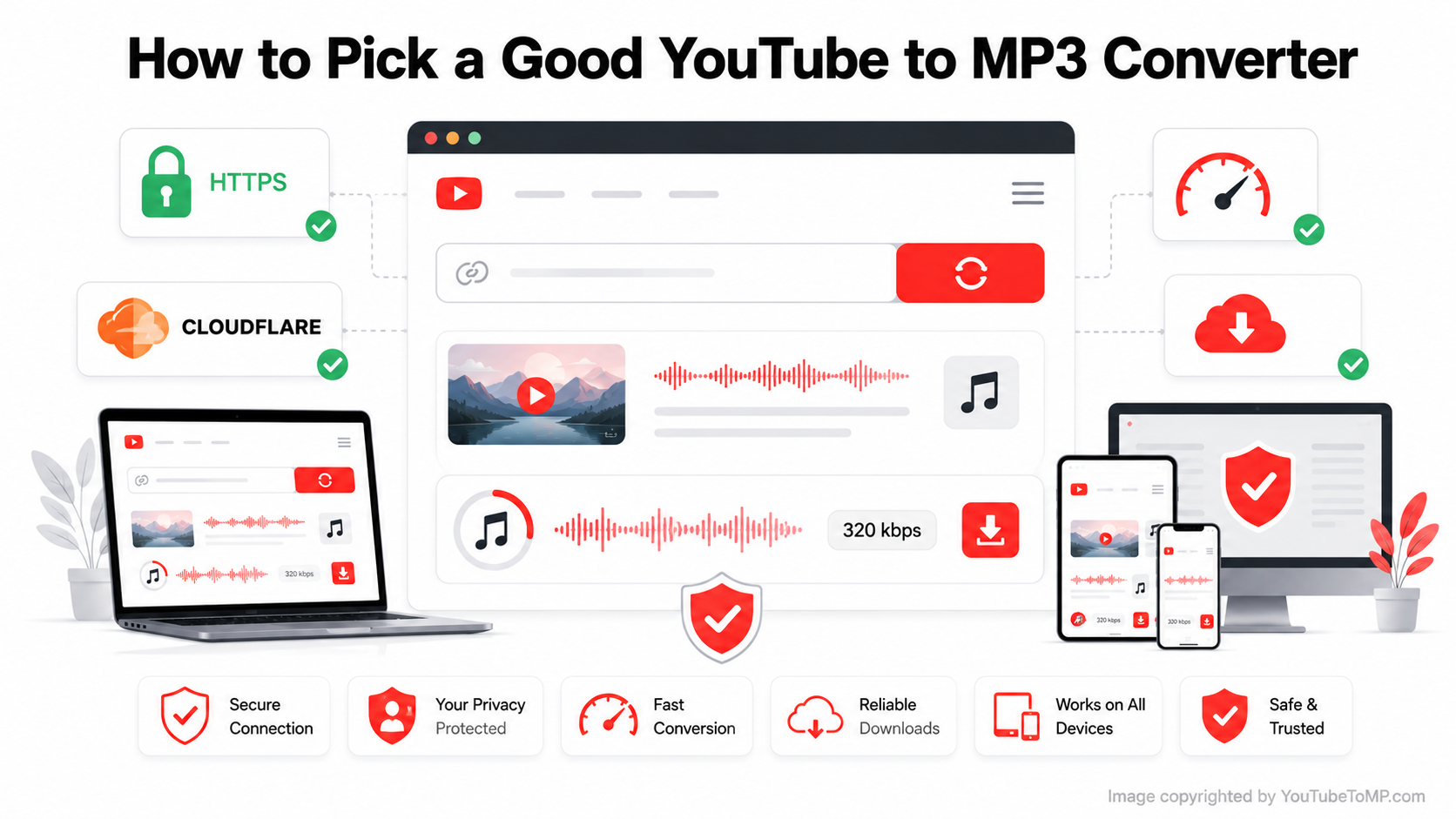
Not every converter provides the same experience.
A good converter should offer:
- Fast conversion speed
- High-quality MP3 output
- Clean interface
- No software installation
- Mobile-friendly design
- Desktop support
- Secure HTTPS connection
- Minimal ads
- Reliable downloads
Choosing a trusted converter saves time and improves your overall experience.
If you're looking for a simple and reliable YouTube to MP3 converter. It works directly in your browser, so there's no software to install or account to create. Simply paste your YouTube link, choose your preferred audio quality, and download your file in just a few steps.
Tips for Better Audio Quality
Follow these simple tips.
- Choose videos with clear original audio.
- Select 320 kbps whenever available.
- Use a stable internet connection.
- Avoid poor-quality source videos.
- Use good headphones or speakers.
Even the best converter cannot improve poor original audio, so starting with a high-quality video gives the best results.
MP3 vs MP4
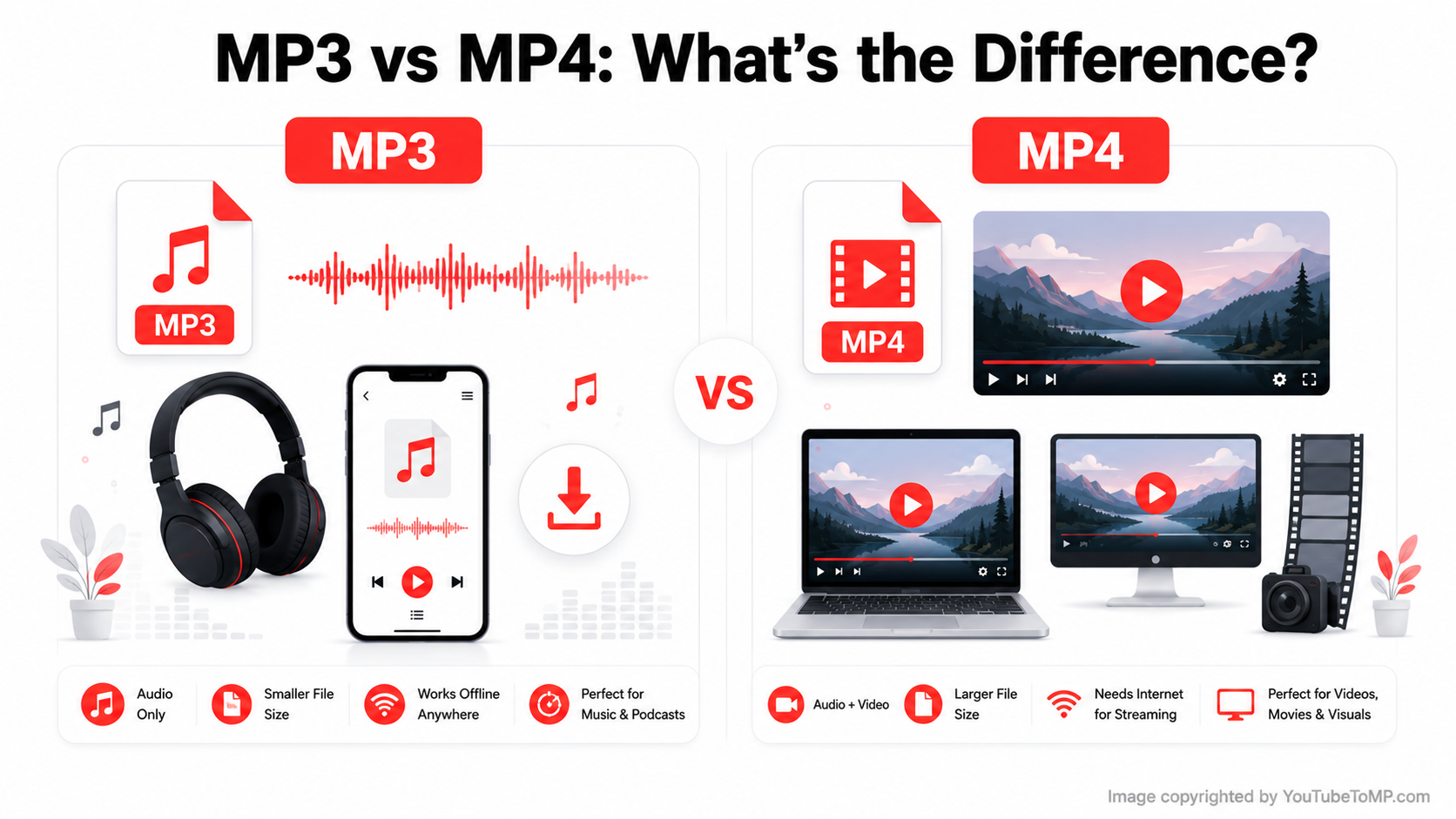
Many people confuse MP3 and MP4.
Here is the difference.
Feature | MP3 | MP4 |
| Content | Audio Only | Audio + Video |
| File Size | Smaller | Larger |
| Best For | Music | Videos |
| Storage | Uses Less Space | Uses More Space |
| Offline Music | Excellent | Less Convenient |
If you only need audio, MP3 is usually the better choice.
Is 320 kbps Better Than 128 kbps?
Yes.
Here's a comparison.
Feature | 128 kbps | 320 kbps |
| Sound Quality | Good | Excellent |
| Audio Detail | Basic | Rich and Clear |
| File Size | Smaller | Larger |
| Best For | Casual Listening | Music Lovers |
If sound quality matters, choose 320 kbps whenever possible.
Frequently Asked Questions
Does YouTube Music offer 320 kbps?
YouTube Music streams audio at different quality levels depending on your subscription and device. However, streaming quality is different from downloading an MP3 file. If you want a 320 kbps MP3 for offline listening, you'll need a tool that can convert supported YouTube videos into MP3 format.
What is a YouTube downloader MP3 320?
A YouTube downloader MP3 320 is a tool that converts the audio from a YouTube video into an MP3 file with a bitrate of up to 320 kbps. Many people choose this quality because it offers a good balance between sound quality and file size.
How do I convert a video to MP3 in high-quality 320 kbps?
Copy the YouTube video link, paste it into a compatible YouTube to MP3 converter, choose the 320 kbps option if it is available, and start the conversion. Once it's finished, download the MP3 file to your device.
How do I convert audio to 320 kbps?
If your converter supports different quality options, select 320 kbps before downloading the file. Keep in mind that converting a low-quality audio file to 320 kbps will not improve its original sound quality. The final result depends on the quality of the source audio.
Final Thoughts
A YouTube to MP3 320 converter is a simple and useful tool for people who enjoy high-quality audio. Whether you want to listen to music, podcasts, educational lessons, or motivational speeches, the 320 kbps format provides clear sound while remaining compatible with almost every device.